Guide / 08
Settings
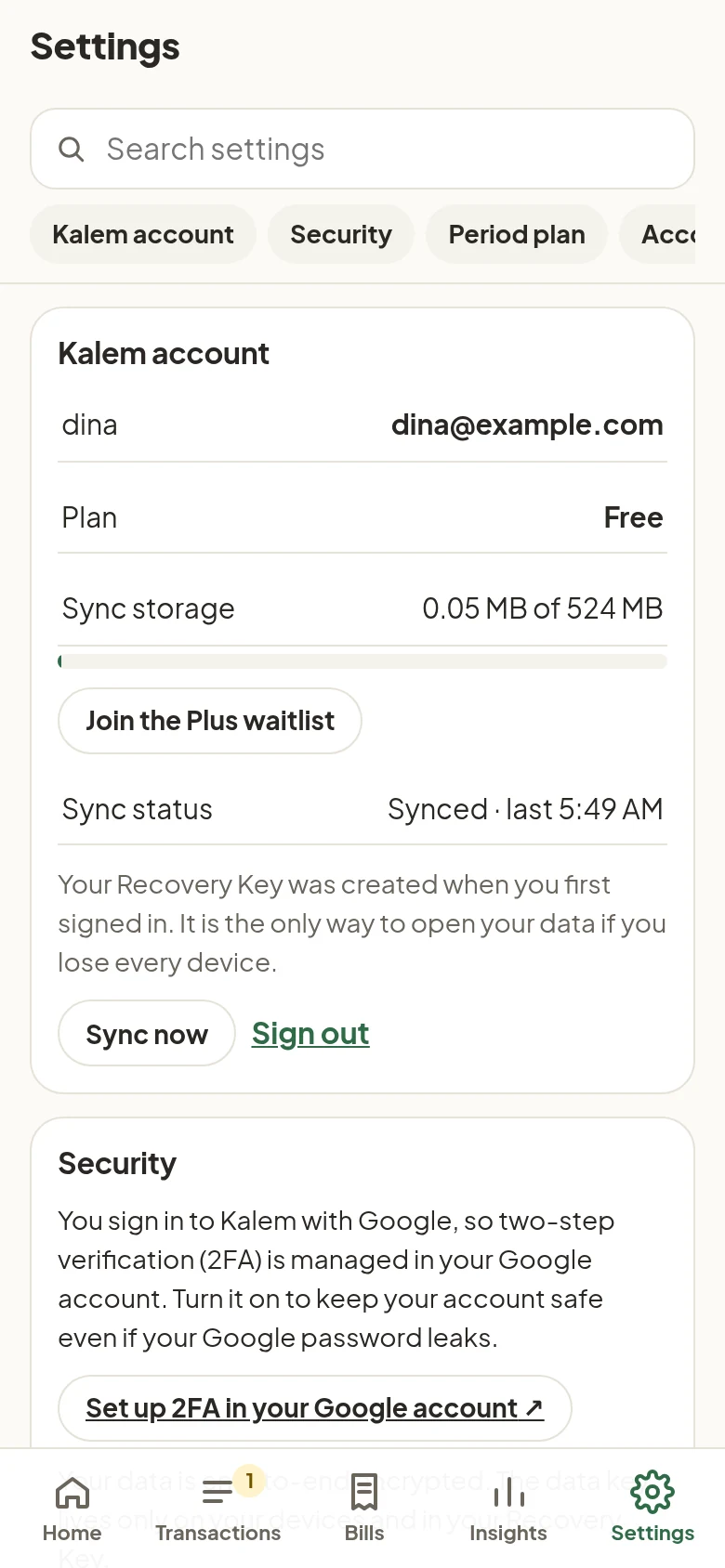
Settings has a search box and a table of contents at the top. Type, for example, “theme” or “backup” to jump straight to it.
| Section | What it holds |
|---|---|
| Kalem account | Email, plan, sync storage used, sync status, Sync now, Sign out |
| Security | Two-step verification through your Google account, how encryption works |
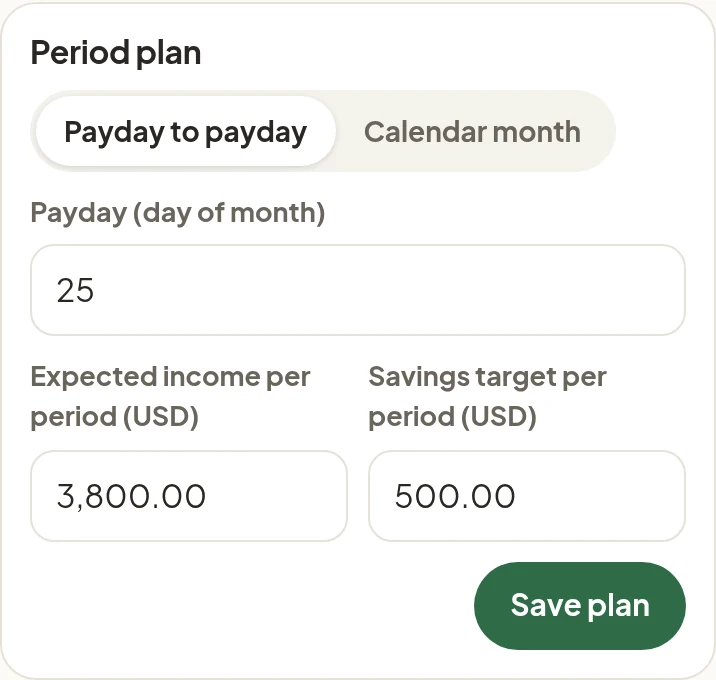
| Period plan | Payday to payday or calendar month, expected income, savings target |
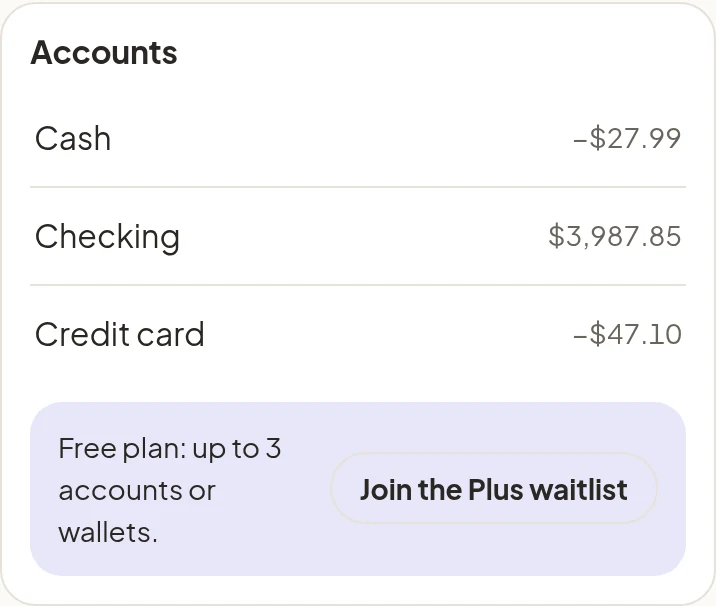
| Accounts | Names, aliases for quick entry, opening balance, counts for safe to spend or not, archive |
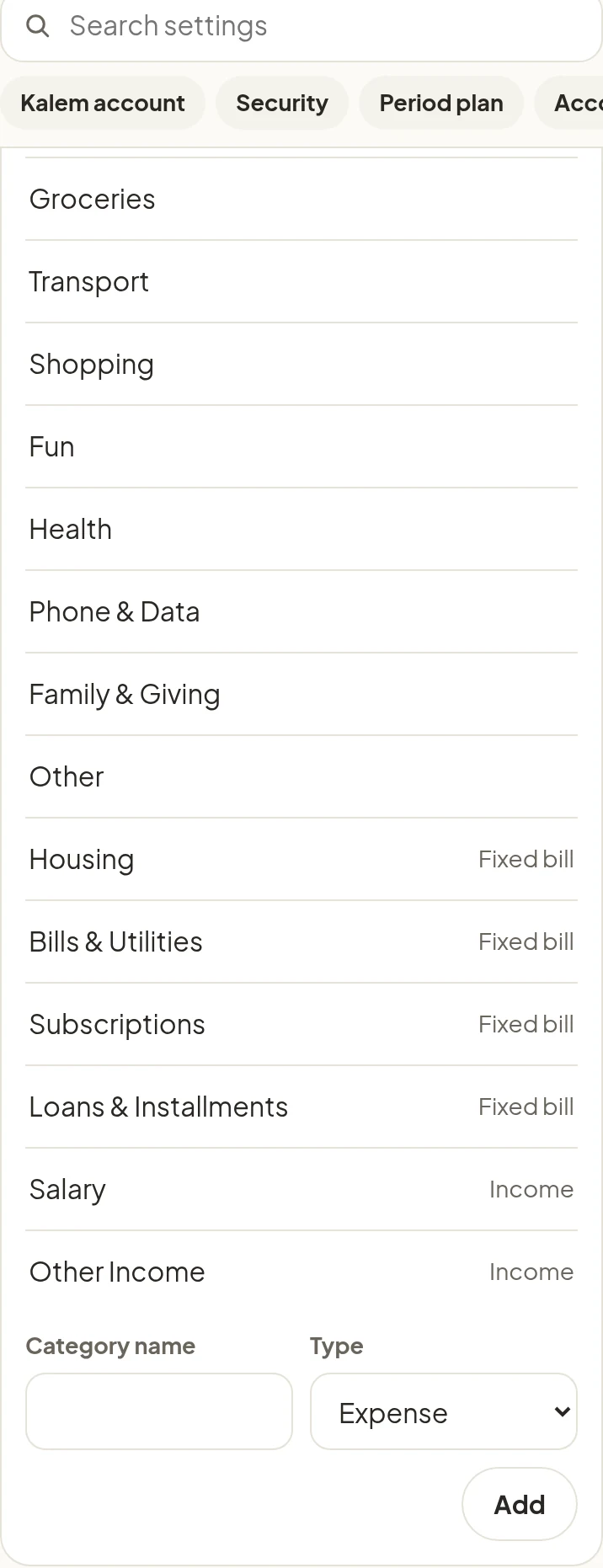
| Categories | Names, keywords for automatic guesses, fixed-bill flag |
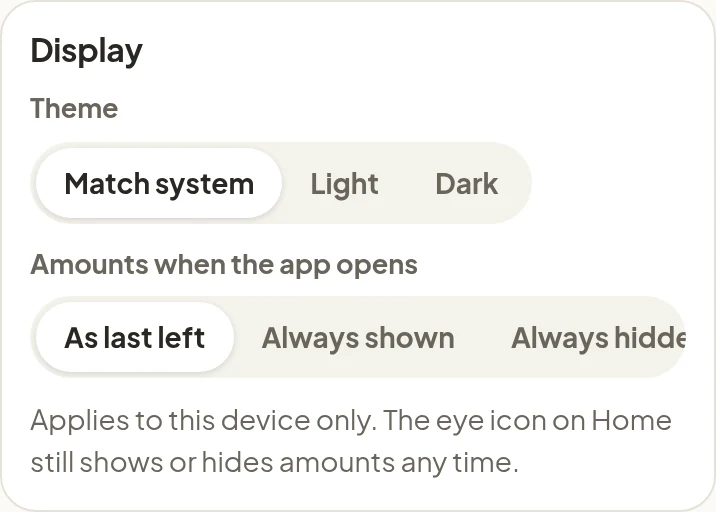
| Display | Light, dark, or match system, and amounts when the app opens |
| Language | English or Bahasa Indonesia |
| Data & backup | JSON backup, CSV export (Plus) |
| Move or add a device | How to use Kalem on another device |
| Storage | Persistent storage in the browser, and how much is used |
| Personal stats | Days logged, entries, time to log, and how you logged. Computed on the device |
| About | App version and Show the tour |
| Period plan | Accounts |
|---|---|
 |
 |
In Categories, keywords drive the automatic guesses. For example, the keyword coffee puts “coffee with Sam 6.50” straight into Food & Drinks.
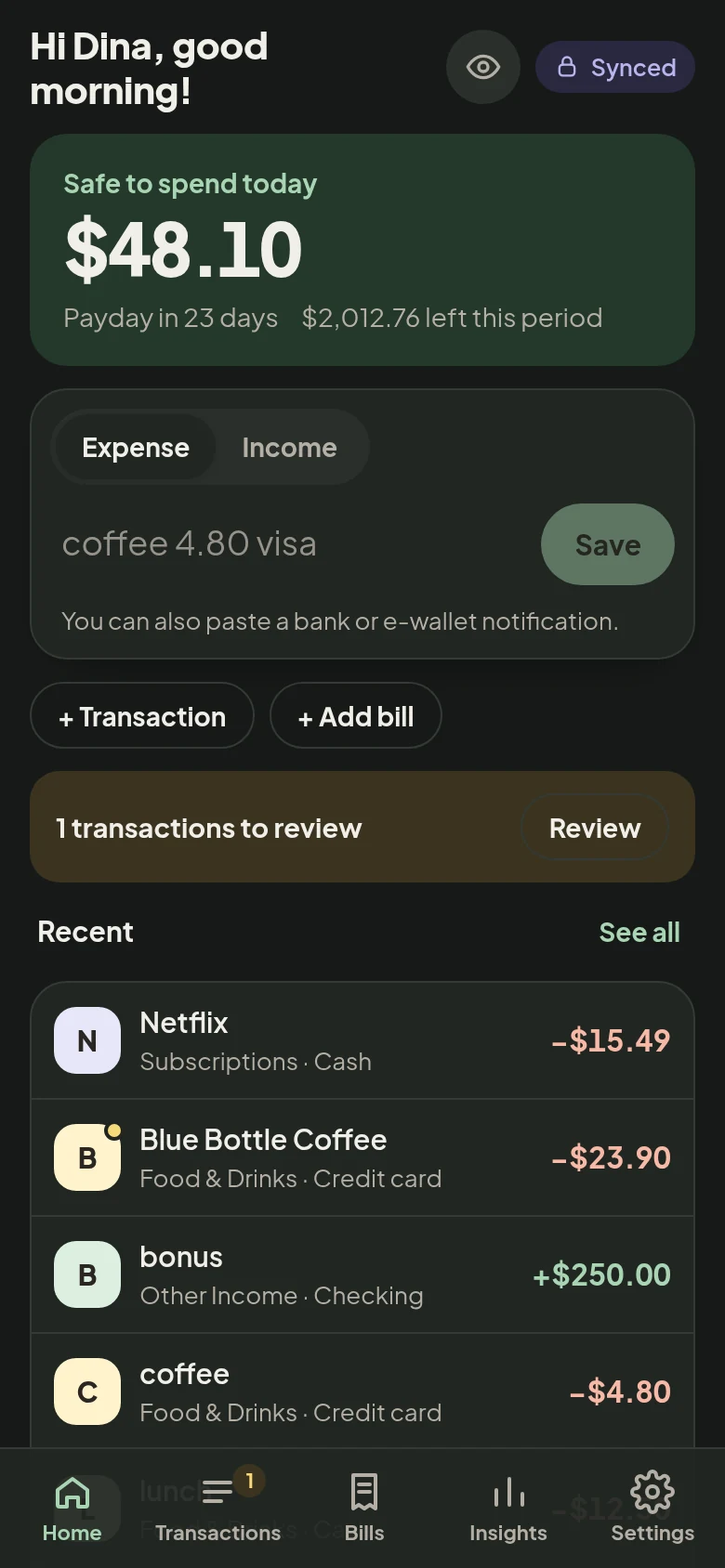
Display and dark mode
In Display, choose the theme Match system, Light, or Dark, and the amounts when the app opens:
- As last left: amounts are shown or hidden the way you last left them.
- Always shown.
- Always hidden: amounts are always masked when the app opens, good if others often borrow your phone.
Display settings apply to that device only and don’t sync. Everything else syncs to all your devices.
| Display | Dark mode |
|---|---|
 |
 |