Guide / 09
Security and data privacy
Your data is locked on your device
- Kalem keeps your data on your device, inside the browser. That’s why it’s fast and works offline.
- Every change is encrypted (AES-256-GCM) on your device before it’s sent to the server.
- The server only stores your Google identity (email and name), your plan, your data key locked by the Recovery Key, and encrypted messages.
- The server can’t read your transactions, amounts, categories, or account names. Neither can we.
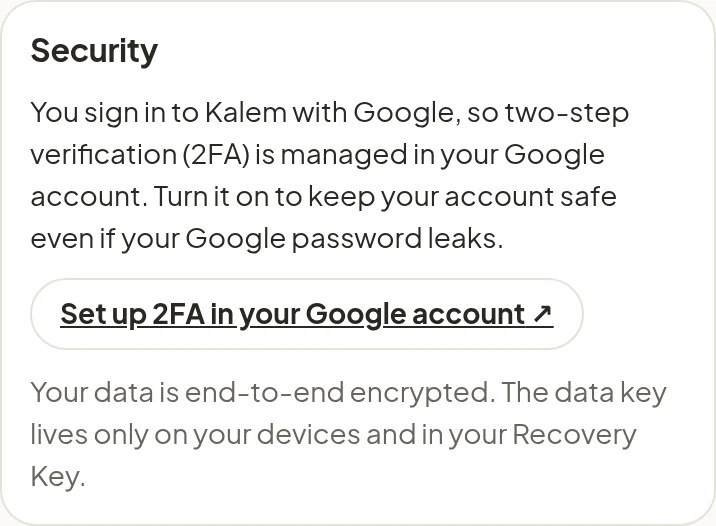
Protect your Google account
Because you sign in with Google, turn on two-step verification (2FA) in your Google account. Tap Set up 2FA in your Google account in Settings → Security.
The Recovery Key
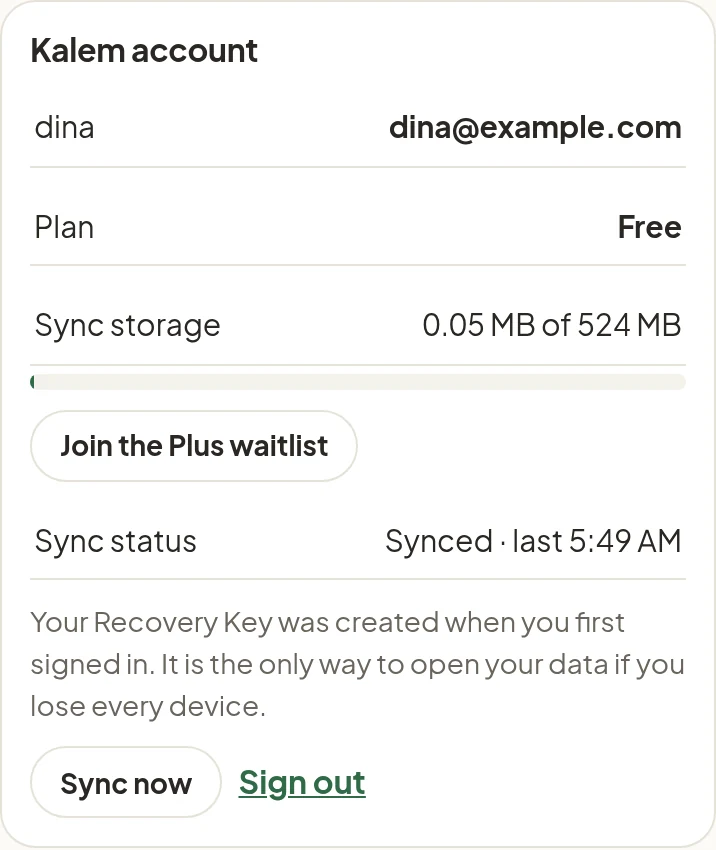
The Recovery Key is the only way to open your data if all your devices are lost. Keep it somewhere safe and separate from your phone. Never share it.
Signing out of a device
Settings → Kalem account → Sign out removes the data from that device. Your data stays safe and encrypted on the server, and comes back when you sign in again.
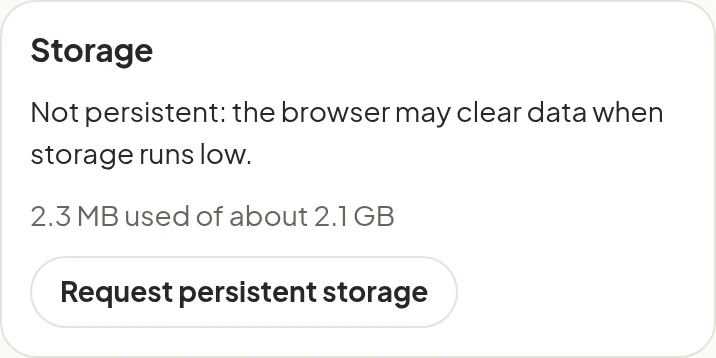
Persistent storage
Browsers may clear a site’s data when space runs low. In Settings → Storage, tap Request persistent storage so the browser keeps Kalem’s data. Your data is also safe on the server through sync.