Guide / 03
Home and “Safe to spend today”
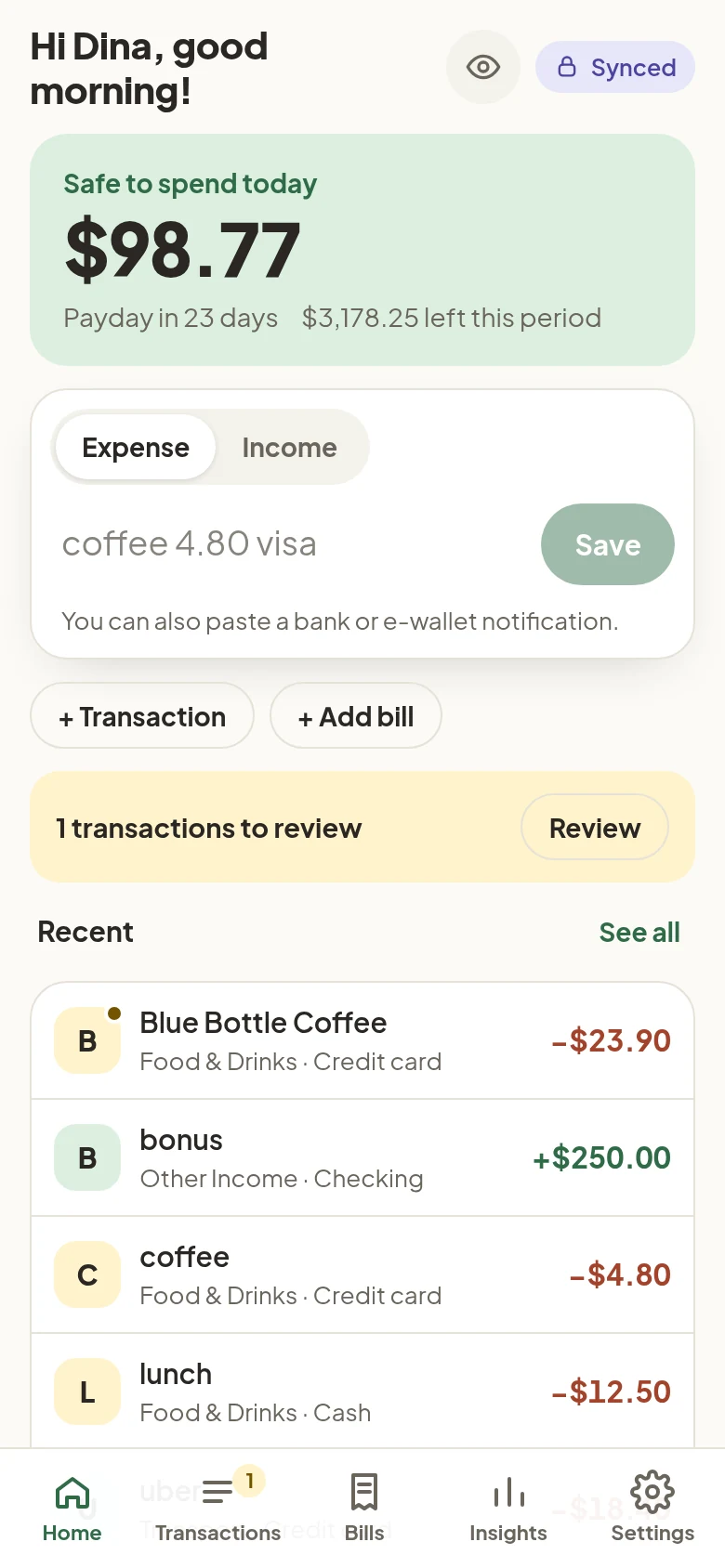
The big number at the top is how much you can spend today. It is worked out like this:
left this period = expected income − fixed bills − savings target − spending so far
safe today = left this period ÷ days left (including today) − what you spent today- Below it you see how many days until payday and how much is left for the period.
- If you spend more than that today, the number turns red. Tomorrow’s amount adjusts on its own, so you never have to recalculate.
- Only accounts marked counts for safe to spend are included (Settings → Accounts). It’s best to leave savings accounts out.
- On tablets and computers, Home also shows this period’s summary, unpaid bills, and where your money goes.
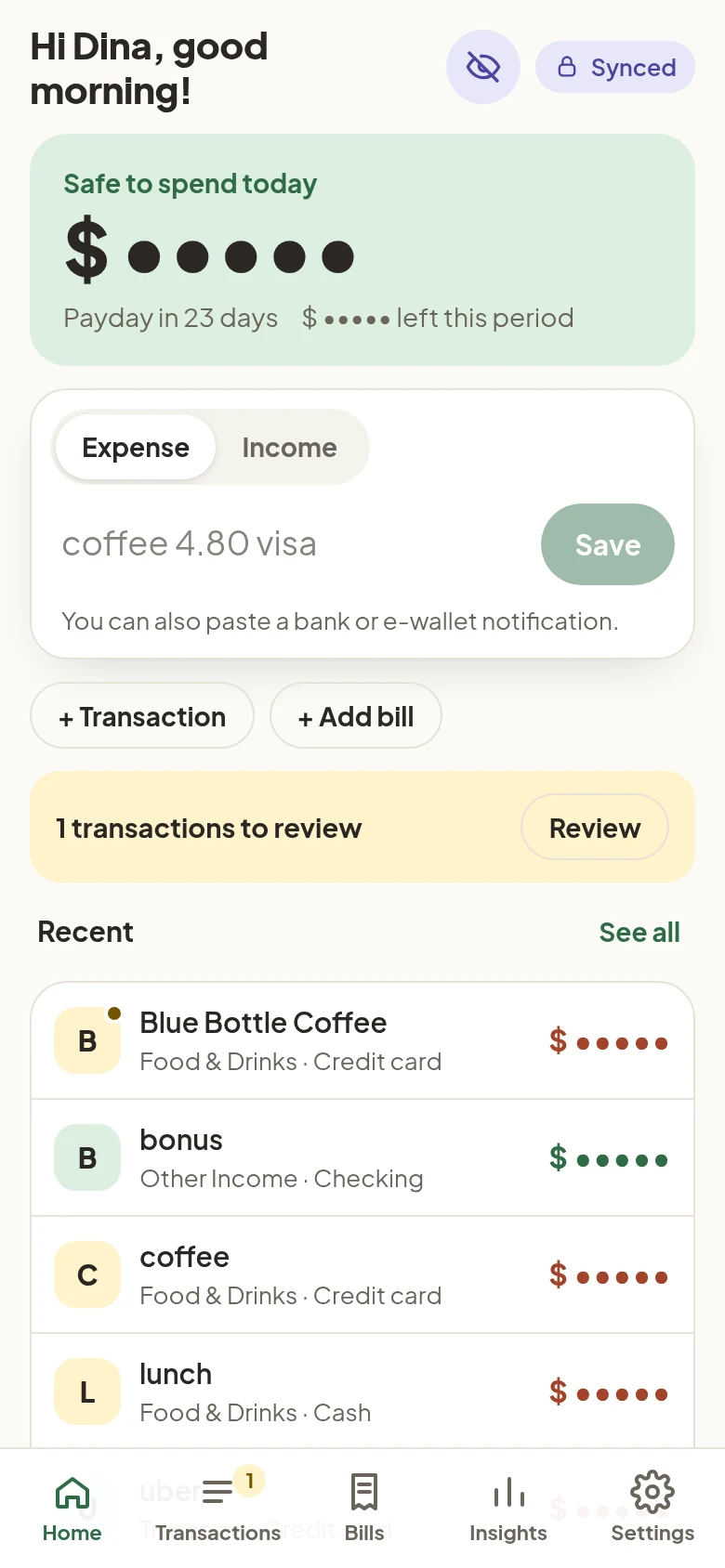
Hide amounts
Tap the eye icon at the top right to mask every amount ($ •••••). Handy when you open the app in public. Tap it again to show them.